Resource Synchronization Failure Troubleshooting
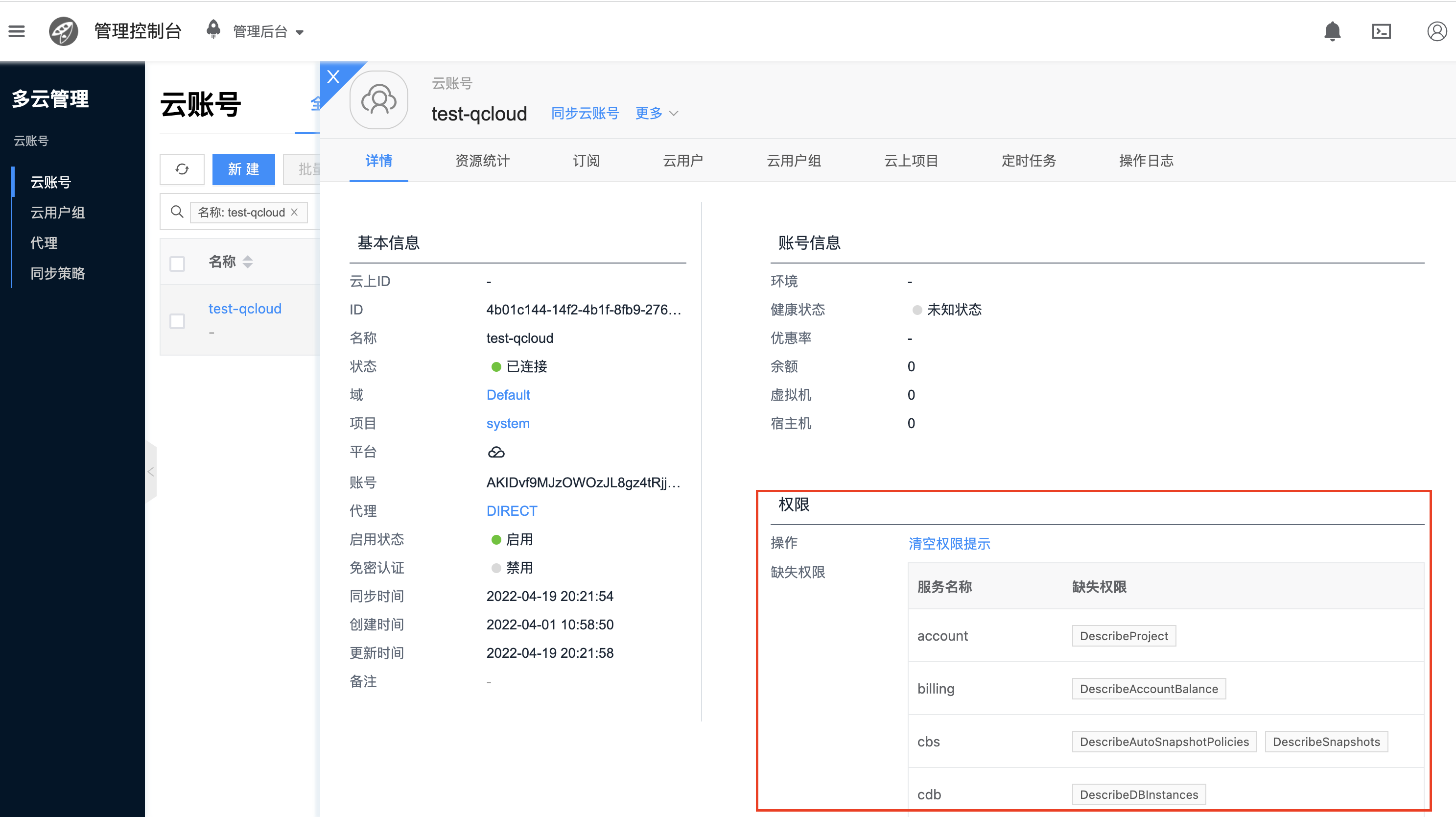
Check Account Permissions
- Open the cloud account details tab and check if there are missing permissions as shown in the screenshot
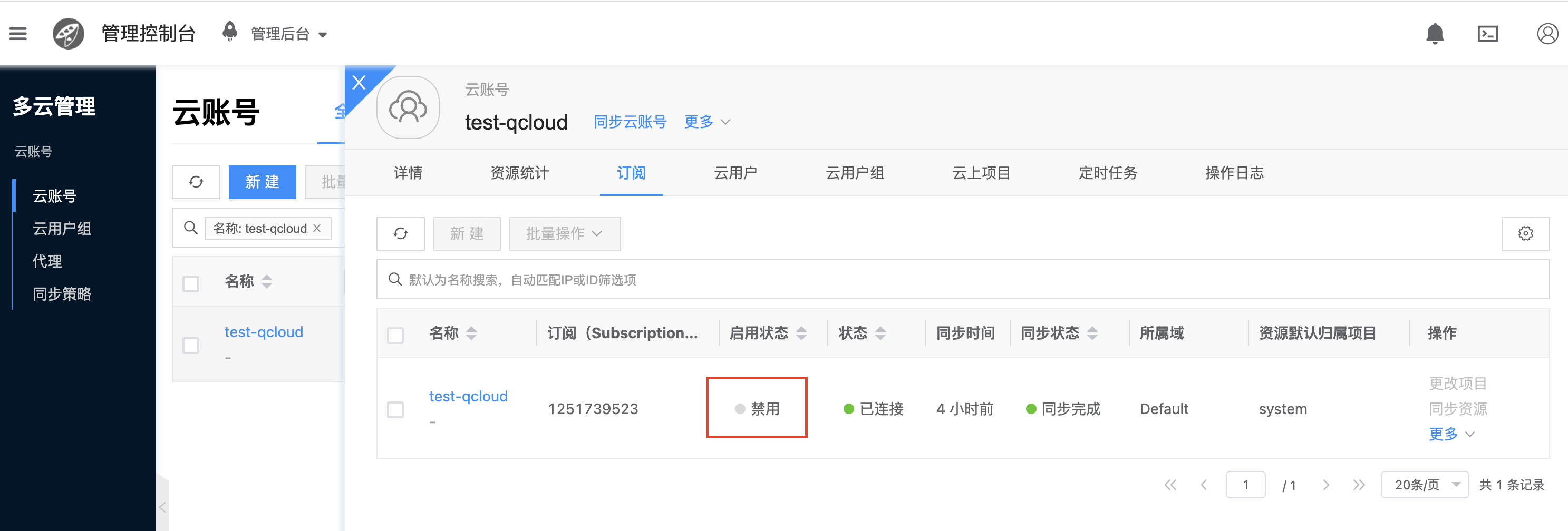
Check if Cloud Subscription is Disabled
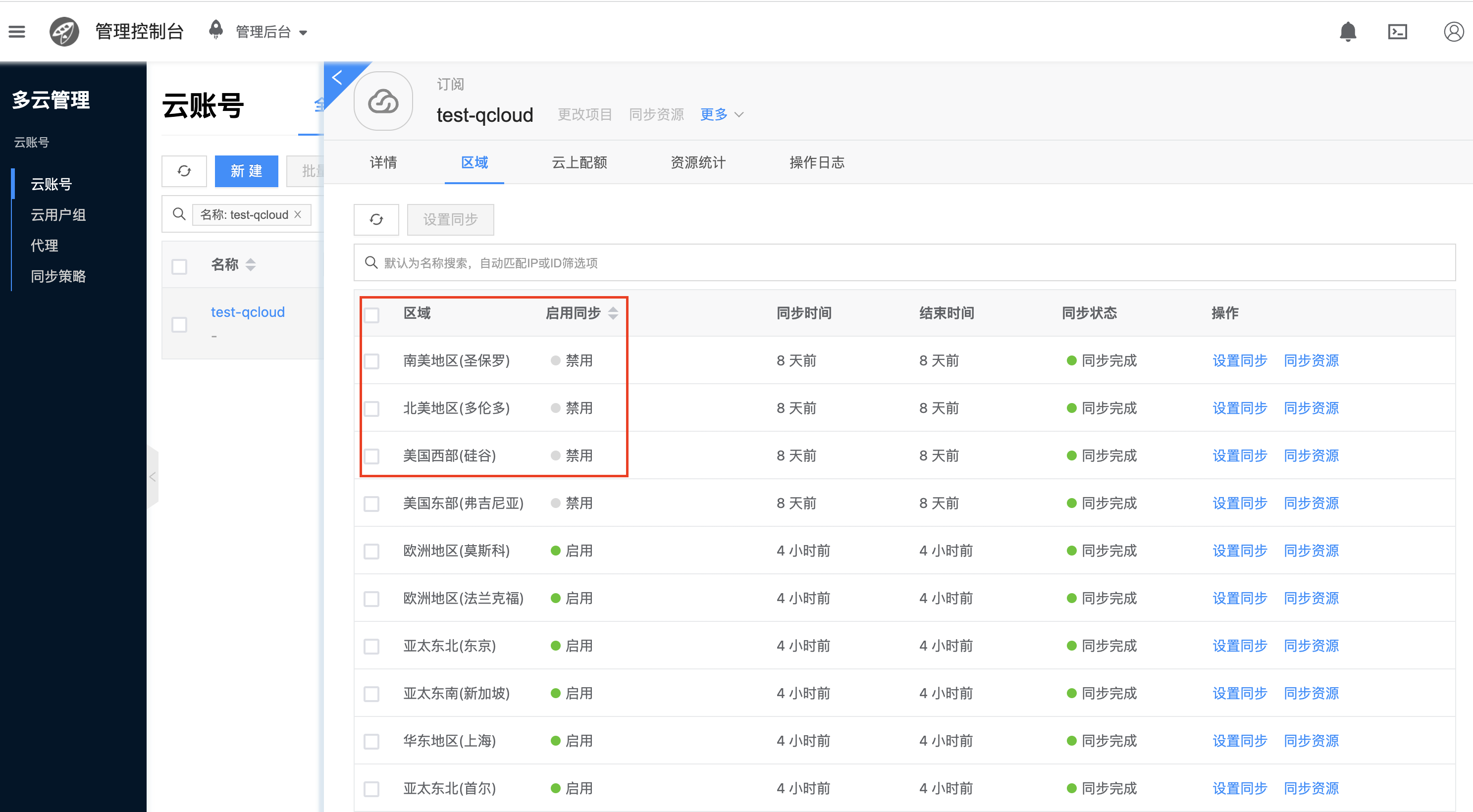
Check if the Region Where Resources Are Located is Disabled, and Check Synchronization Time. If It Has Not Been Synchronized for a Long Time, You Can Manually Synchronize First
Check Synchronization Parameter skip_server_sync_by_sys_tag_keys
# This parameter means that if a public cloud virtual machine has specific system tags, skip synchronizing this virtual machine. Currently, Tencent Cloud auto-scaling group related instances are skipped by default
$ climc service-config-show region2 | grep skip_server_by_sys_tag_keys
          "skip_server_by_sys_tag_keys": "acs:autoscaling:scalingGroupId",

# If you need to synchronize auto-scaling group instances, you can change this parameter to other tags
$ climc service-config --config skip_server_by_sys_tag_keys=other-tag region2